
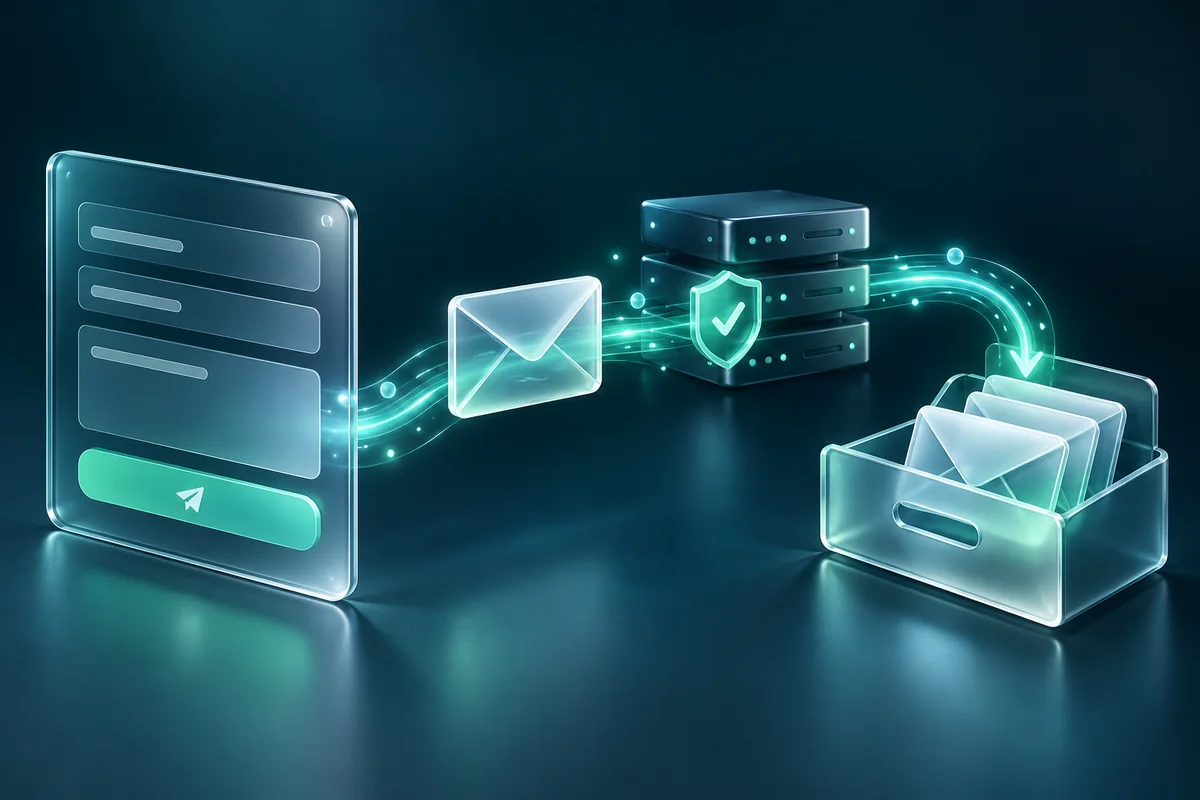
A contact form can look complete and still fail at its most important job: getting a customer's message to the business. The visitor may see an error, the server may accept the submission without delivering email, or the notification may reach a spam folder that nobody checks.
Reliable enquiry handling requires more than a working button. It needs clear input validation, a dependable server process, sensible email configuration, honest feedback, and a way to investigate failures.
This guide explains how to diagnose website form delivery and build a workflow that gives both visitors and the business a clear result.
Trace the journey from browser to inbox
Think of the form as a sequence. The browser collects information, the server validates the request, the message is accepted or rejected, a notification is handed to a mail service, and the receiving system decides how to deliver it.
An error at one stage should not be confused with another. A browser validation message is different from a server exception. A mail service accepting a message is different from the message appearing in the recipient's inbox.
Start by recording the exact symptom, affected page, approximate time, and whether it happens consistently. Test with a clearly labelled enquiry using information you are authorised to submit. Coordinate the test with the recipient so a successful notification can be confirmed.
Do not repeatedly send production messages just to see what happens. A small, planned test with a recorded result is easier to investigate and less disruptive.
Check the visible form behaviour first
Review required fields, field names, and the destination endpoint. Make sure the browser submits the information the server expects. A renamed input can silently break handling if the backend still reads the old name.
Test optional fields when blank. An optional website URL should not prevent an otherwise valid enquiry merely because it contains no value. Conversely, server-side validation should still reject clearly invalid or oversized input.
Observe the loading state. Visitors need to know the request is in progress, and repeated clicks should not create duplicate messages. If the request fails, preserve the entered information and provide a useful next step.
Check mobile input and keyboard behaviour. A technical success on desktop does not establish that a visitor can complete the same form comfortably on a phone.
Inspect server acceptance separately from email delivery
The endpoint should return a clear result that the frontend interprets accurately. A success state should follow confirmed acceptance, not simply the absence of a JavaScript error.
Review server logs for the corresponding request where available. Distinguish validation failures, permission failures, mail transport errors, and unexpected exceptions. Avoid exposing raw technical details or secrets in the public response.
If the system stores enquiries, use that record to establish whether the message reached the application. A stored enquiry with a failed email notification is a different problem from a request that never reached the server.
For important lead-generation websites, a protected enquiry record can provide a recovery route when notifications fail. Access should be restricted, retention should be purposeful, and the record should not become a public page or an analytics event payload.
Send notifications from an address you control
Use an appropriate sender identity associated with the authorised mail service. A common mistake is putting the visitor's email address in the From header, which makes the notification appear to originate from a domain the website does not control.
The visitor's validated address can be used as Reply-To where the mail library and service support that workflow. This lets the business reply while preserving a sensible sending identity.
Build messages through a maintained mail library or platform integration rather than concatenating uncontrolled input into raw headers. Reject newline characters and unsuitable values where relevant, and validate the email address on the server.
Keep transport credentials on the server. A browser should not receive an SMTP password or API secret merely because it is responsible for displaying the form.
Review sender authentication with the mail provider
SPF, DKIM, and DMARC are part of how receiving systems evaluate a domain's email identity. The correct setup depends on the services authorised to send mail for that domain.
Gmail's sender guidelines distinguish requirements for all senders from those for bulk senders and recommend authentication practices to support delivery. Website enquiry notifications should be configured with the actual mail provider's instructions rather than a copied DNS record from an unrelated setup.
Inventory the services sending mail for the domain before changing DNS. A business may use its mailbox provider, a transactional service, and a marketing platform. An incomplete record can affect legitimate messages from another service.
Ask the provider to confirm the required records and verify a received test message's authentication result. Passing authentication is useful, but it does not guarantee inbox placement for every recipient.
Choose a transport the hosting can support
Some sites use an authenticated mail service, others use a hosting-provided transport, and hosted form platforms may manage notification delivery themselves. The suitable option depends on the environment and the business's needs.
Check hosting restrictions, connection settings, sender permissions, and service activation. A form integration can fail because an account has not been verified or because the live domain differs from the approved origin.
Document the transport and its owner. The business should know which service sends notifications, where errors can be reviewed, and what happens if credentials change or a subscription ends.
Do not solve an error by disabling validation or broadly allowing unauthorised requests. Fix the mismatch that caused the legitimate submission to fail while preserving sensible controls.
Reduce spam without making genuine enquiries difficult
Use several proportionate controls rather than relying on one visible challenge. Depending on the implementation, these may include server validation, rate limiting, a honeypot field, and checks suited to the website's actual traffic.
Review false positives. If genuine customers are being rejected, the control needs investigation rather than simply being praised for blocking submissions. Provide an alternative contact route for visitors who cannot complete the form.
Do not ask for unnecessary information solely to discourage spam. Extra required fields can also discourage suitable customers. Keep the first enquiry focused on what the business needs to respond.
Test keyboard and mobile use after adding anti-spam features. The accessible website design checklist can help identify interaction and feedback problems.
Use a delivery test matrix
Run a bounded set of tests and record the result at each stage:
| Test | Result to confirm |
|---|---|
| Valid enquiry | Accepted once, appropriate record, notification received |
| Missing required value | Clear rejection with entered information preserved |
| Empty optional field | Valid submission still accepted |
| Invalid email | Server rejects it safely with useful feedback |
| Temporary delivery failure | Honest status and recoverable message handling |
| Repeated request | Duplicate handling follows the intended policy |
Include the mailbox the business actually uses. Testing a developer's personal inbox alone does not prove the production notification route works.
Check spam and quarantine folders with the recipient, and examine delivery logs where the provider offers them. Record the time and message identifier so the provider can investigate if needed.
Monitor the form after launch
A form can break after changes to hosting, DNS, credentials, templates, or external services. Add a periodic delivery check to the maintenance arrangement, with a clearly labelled test message and a responsible recipient.
Monitor unusual failure rates without recording personal enquiry content in public analytics. Count acceptance and error states, then use restricted application logs for investigation where appropriate.
The GA4 lead tracking guide explains why confirmed submissions should be distinguished from button clicks. Analytics can reveal a change in behaviour, but inbox confirmation and server evidence are still needed to diagnose delivery.
Keep a fallback route visible. An email link or other genuine contact method can help a visitor continue when a form service is temporarily unavailable.
Questions about enquiry delivery
Does a success message prove the email arrived?
Not by itself. It may establish application acceptance or mail-service handoff. Delivery verification needs evidence from the receiving mailbox or provider logs.
Can SMTP guarantee inbox placement?
No. Authenticated transport can improve reliability and visibility into failures, but receiving systems still make their own delivery decisions.
Should every enquiry be stored?
It can provide useful resilience, but the decision should include access controls, retention, operational needs, and the business's data-handling responsibilities. Store only what the workflow needs.
How often should the form be checked?
Choose a frequency appropriate to its importance and test after changes affecting the submission route. A business that relies heavily on website leads should make delivery checks part of routine care.
If visitors report failures or messages disappear between the form and inbox, Ali Dev Solutions' custom code and website care service can help trace the full journey and resolve the underlying issue.