
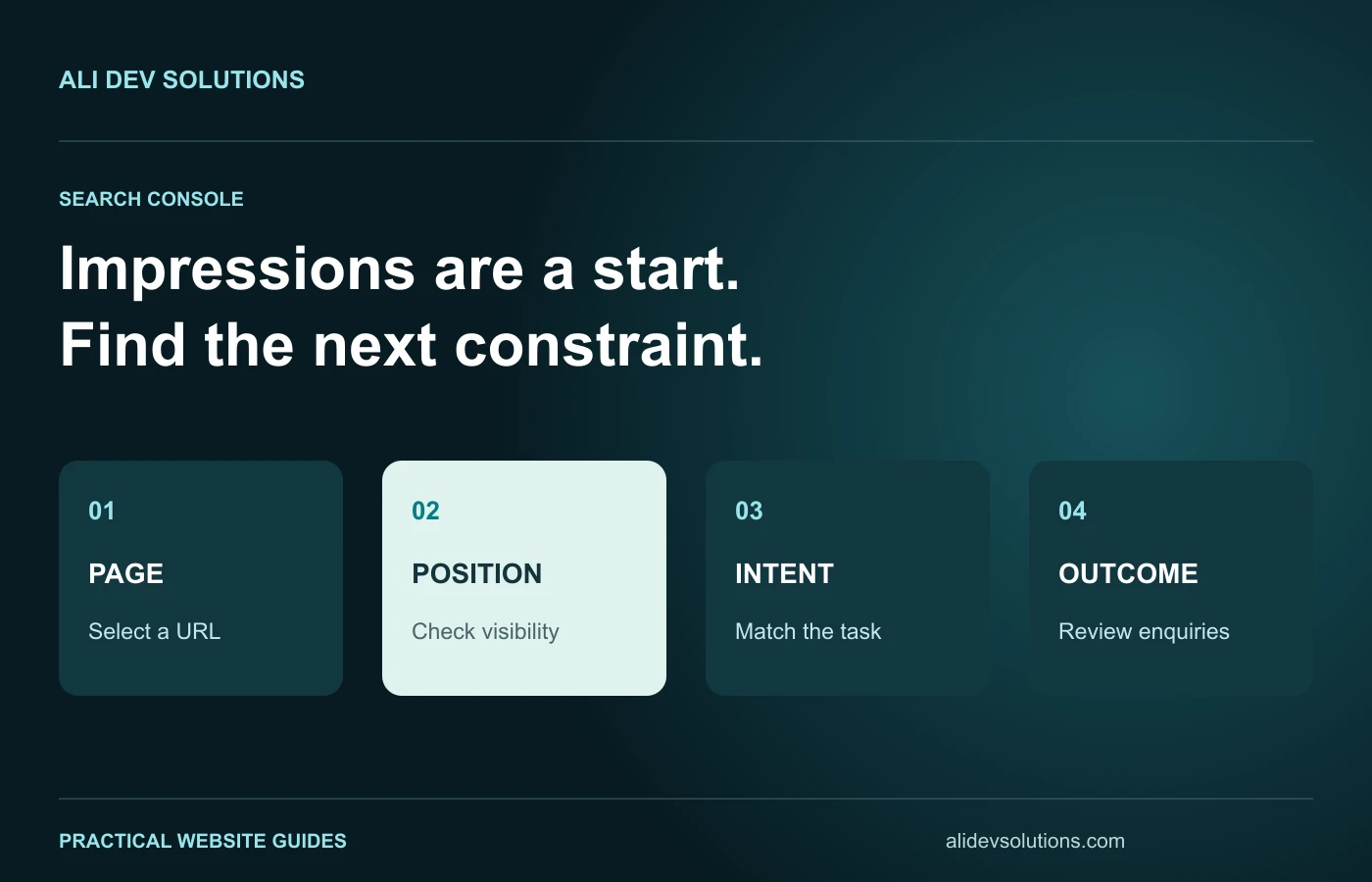
High impressions and few clicks in Google Search Console can describe several different problems. Your pages might appear for relevant searches at low positions. They might rank reasonably well but present an unclear promise. Or the visible query mix may include searches that do not match what your business actually offers.
The first useful step is to separate those situations. Rewriting every description or publishing another broad article before checking the evidence can consume time without addressing the main constraint. This guide provides a page-level diagnosis workflow for service businesses and small online stores.
Read impressions, clicks and position together
An impression is not a visit. CTR is clicks divided by impressions, while average position summarises where the relevant result appeared. Google's Performance report documentation explains these metrics and the dimensions available for analysing them.
Consider two fictional pages. Both have 1,000 impressions and eight clicks, but one averages position 6 and the other position 64. Their identical CTR does not imply the same priority. The first deserves a close look at intent and presentation. The second may need a much stronger relevance and content strategy before a snippet edit can make a meaningful difference.
Treat those numbers as an illustration, not a universal benchmark. Different queries, result layouts, devices and audiences create different opportunities to click.
Choose one reporting period and record its limits
Start with a period long enough to contain a useful sample for your site. Keep the same period while comparing pages, and note whether the report includes recent incomplete data or a seasonal campaign.
If you compare two periods, record changes to page content, site structure and marketing activity. A newly launched service page and a long-established article may not have had the same time to accumulate relevant visibility.
Do not treat the property-wide average as a diagnosis for every URL. A handful of broad informational pages can generate many low-position impressions while a smaller group of service pages performs differently.
Filter to a page before judging its queries
Open the Pages tab and select a specific address. Then review its query list. This connects the visible searches to a landing page instead of mixing unrelated intents across the whole website.
Ask three questions: does the page answer those searches, does it serve the same type of reader, and does its current format fit the task? An implementation tutorial and a design-service sales page may share vocabulary while serving very different needs.
For a broader audit process, use our Search Console business audit guide. The purpose here is to choose a sensible next action for a particular low-click page.
Separate branded from non-branded demand
A branded query usually reflects awareness of a business or person. A non-branded query may represent a topic, service or problem. Combining the two can hide whether the site is being discovered by people who have not already heard of it.
Review obvious brand variations separately, but do not assume every similar-looking name belongs to your business. Inspect ambiguous queries before using them as a content opportunity.
For non-branded searches, group related questions by intent rather than counting every spelling variation as a separate topic. Several versions of “SEO title and description” may indicate one broad subject, while “SEO title examples for photographers” describes a more specific task worth evaluating on its own.
Diagnose a visibility problem first
When relevant queries mostly appear at low positions, start with the page's usefulness and place in the site. Is it a broad summary competing with substantially more detailed resources? Does it contain an original explanation, a worked example or a decision tool that helps its intended reader?
Review supporting internal links and whether the website makes the page's subject clear. Check that the URL you want to rank is the page actually serving that intent. Creating several near-identical posts can spread the same explanation across multiple addresses without making any one of them stronger.
This is an interpretation of the evidence, not a promise that a specific number of sections or links produces a ranking improvement. Keyword mapping can help decide whether to improve an existing page or create a genuinely distinct companion article.
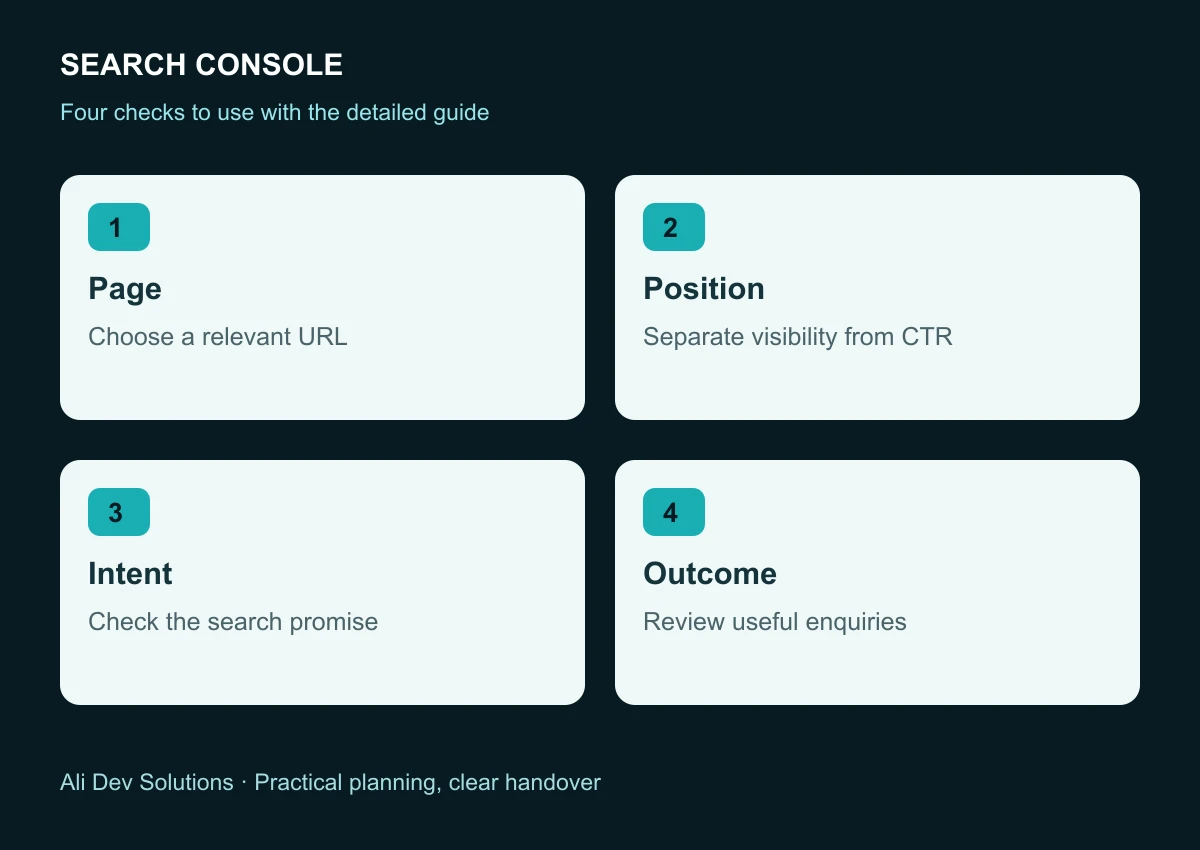
Diagnose a presentation problem carefully
If a relevant page appears at useful positions but attracts few clicks, compare the title, description and visible page opening. Does the result clearly describe the service or answer? Does it make a specific promise that the page fulfils?
Replace vague wording with a useful distinction. “Website Migration Redirect Map: Template and Testing Steps” describes a concrete task more clearly than “Unlock Your Website's Potential.” Avoid false urgency, unsupported rankings claims and invented client outcomes.
Google may display a title or snippet that differs from your preferred wording. Review the page's visible heading and content as well as its metadata. Our service-business title and description examples offer fictional starting points you can adapt truthfully.
Check country, device and query mix
A site targeting the USA, UK and Australia may still receive impressions from other markets. Filter the report to understand where the opportunity actually appears. Do not assume all international impressions are equally useful or that a country filter changes the page's underlying audience.
Compare mobile and desktop when the sample is large enough to be meaningful. A page may receive different query types on each device. A change in the overall CTR can therefore reflect a changed mix, not an improved or damaged snippet.
Also review whether the search asks for a quick fact, a comparison, a download or a provider. Match the landing page to that task before expanding its word count.
Track useful actions after the click
More clicks are valuable only when they support the site's purpose. Check that visitors can find relevant work, understand the offer and send a reliable enquiry or purchase request.
Choose a small set of meaningful actions and verify how they are measured. A button click, a successful form submission and an email actually reaching the business are different events. Do not label them all as leads without checking the journey.
Our SEO enquiry measurement guide connects search analysis with business outcomes. Avoid publishing private customer details or internal performance data in a public case study without appropriate approval.
Keep a focused improvement log
For each selected page, record the relevant query group, reporting period, current metrics, diagnosis, chosen change and review date. Keep the change small enough that you can explain what it was intended to improve.
If you revise the title and rewrite the whole page simultaneously, record both. If you also change navigation or launch a campaign, note that context. Ordinary before-and-after observations are useful, but they are not controlled experiments proving that one edit caused every change.
Do not respond to a small sample by changing the title every day. Allow time for recrawling and enough relevant observations to assess the direction sensibly.
Choose the next action from the evidence
For low-position relevant queries, strengthen the page's distinct usefulness and supporting structure. For better-position queries with a weak promise, review the snippet and opening. For mismatched queries, clarify the page's role instead of chasing every impression.
Sometimes the right action is to refresh an existing guide; sometimes it is a narrower article with a different purpose. Sometimes the content is adequate and the next task is fixing the enquiry journey. No single CTR target replaces that judgement.
If you need help translating your Search Console report into page, copy and website improvements, discuss your website with Ali Dev Solutions. The aim is more relevant discovery and clearer next steps, with results reviewed honestly over time.