
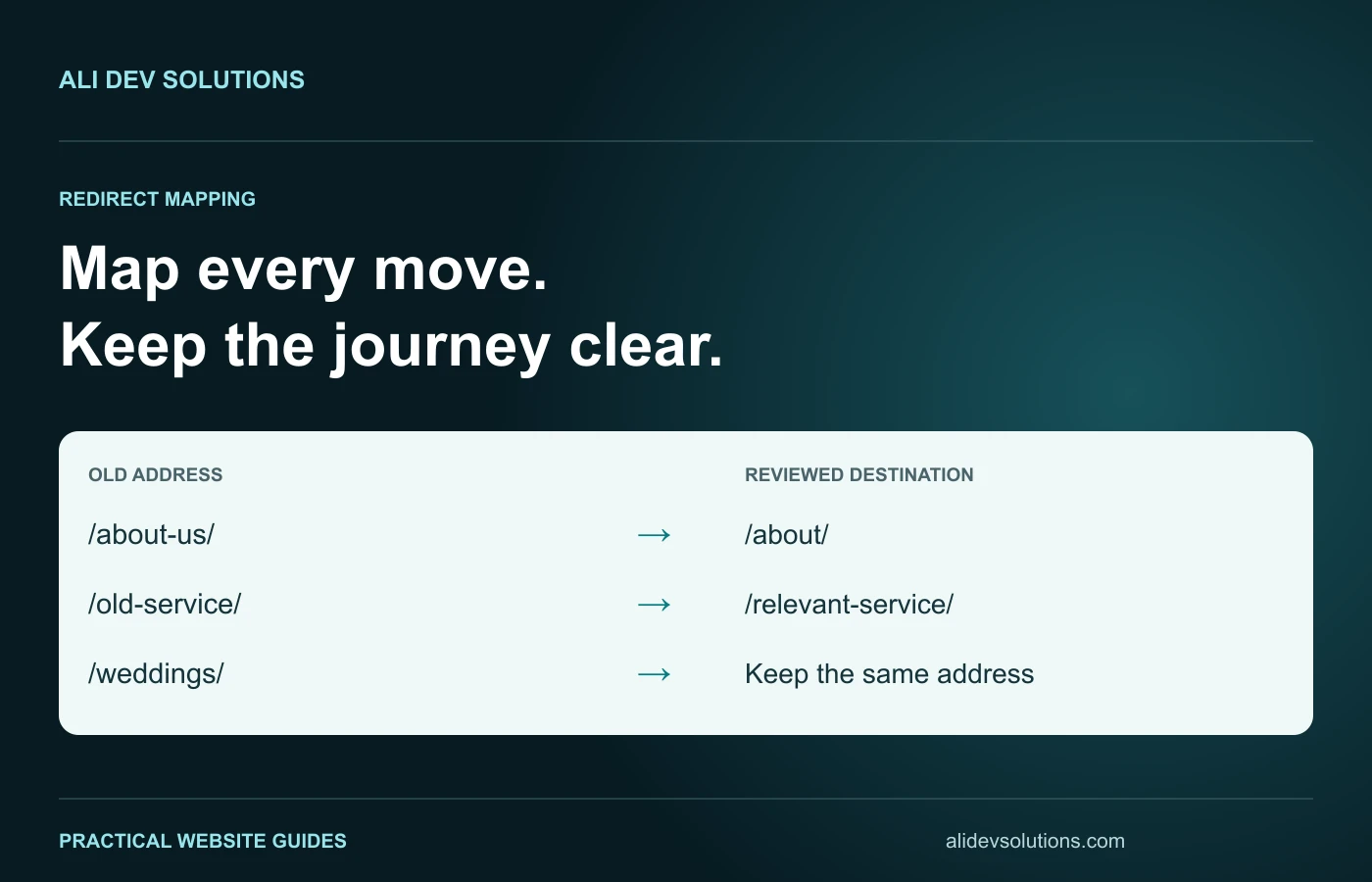
A website redesign redirect map is a record of what should happen when somebody opens an old address after your new website launches. It connects each existing URL to a deliberate outcome: keep it, redirect it to a relevant replacement, or retire it properly. Building that record before development finishes is much safer than discovering missing pages through lost enquiries.
This guide focuses on the mapping document itself. For the wider project, including staging, content decisions and launch monitoring, use the website redesign SEO migration checklist. The examples below are hypothetical and can be adapted to a WordPress, Wix, Squarespace or custom website.
What belongs in a redirect map?
Start with one row per old URL, not one row per menu item. A navigation menu rarely contains every article, campaign page, downloadable document or older service page that visitors still use.
Useful columns are the full old URL, current status, page purpose, proposed outcome, destination URL, business priority, implementation owner and test result. Add a reason for the decision. That short explanation prevents a developer from replacing an intentional retirement with a convenient homepage redirect later.
Keep the original URL exactly as discovered. Record the preferred destination separately. Silently removing a trailing slash or query parameter while collecting the inventory can hide a redirect variation that still needs testing.
Collect URLs from more than one place
Combine your CMS inventory, XML sitemap, internal crawl and relevant analytics landing pages. Search Console can reveal older addresses that still receive impressions or links. Campaign documents, printed materials and booking integrations can expose addresses absent from your current menu.
Treat this as an evidence exercise. A sitemap is a useful input, not proof that it contains every address worth preserving. Likewise, an old page with no recorded visits in a short reporting window may still support a seasonal offer or a valuable external link.
Separate HTML pages from images, PDFs and other assets. An old brochure linked by a partner may require a different replacement from the service page that originally introduced it.
Decide whether the address needs to change
A new design does not automatically require new URLs. If an existing address describes the same service accurately and remains practical to manage, keeping it can simplify the migration.
For example, changing the layout of /wedding-photography/ does not by itself require moving it to /services/beautiful-wedding-photography-packages/. Extra words in a new address are not a substitute for a better page.
Label unchanged addresses as “keep” in the map. They still need a launch test: the live page should respond successfully, display the intended content and use the preferred canonical address. “Keep” is an implementation decision, not permission to skip verification.
Match replacements by the visitor's task
Imagine a studio replacing separate newborn and maternity pages with a single family-photography overview. Sending both old pages to that overview may be reasonable only if it genuinely answers both needs. If it barely mentions maternity sessions, the destination is a poor replacement.
Compare the old page's purpose with the new page's visible content, examples and enquiry options. Ask whether a person following an old recommendation would understand where they landed and still be able to complete the intended task.
Google's site-move documentation recommends planning URL mappings and using permanent server-side redirects for permanent moves. The practical interpretation is to choose a meaningful destination, then test the actual route to it.
Use a copyable mapping template
The following fictional CSV illustrates a small project. Replace the sample addresses before giving it to a developer. The outcome and reason columns are planning fields, not server configuration.
old_url,outcome,new_url,reason,owner,test_result
https://example.com/about-us/,redirect,https://example.com/about/,Same business introduction,Developer,Pending
https://example.com/weddings/,keep,https://example.com/weddings/,Address remains suitable,Developer,Pending
https://example.com/old-offer/,retire,,Expired offer without replacement,Content owner,Pending
For a larger project, add current traffic, external-link evidence, language and page type. Do not fill these columns with invented numbers. “Not available” is more useful than a confident-looking estimate that changes migration priorities.
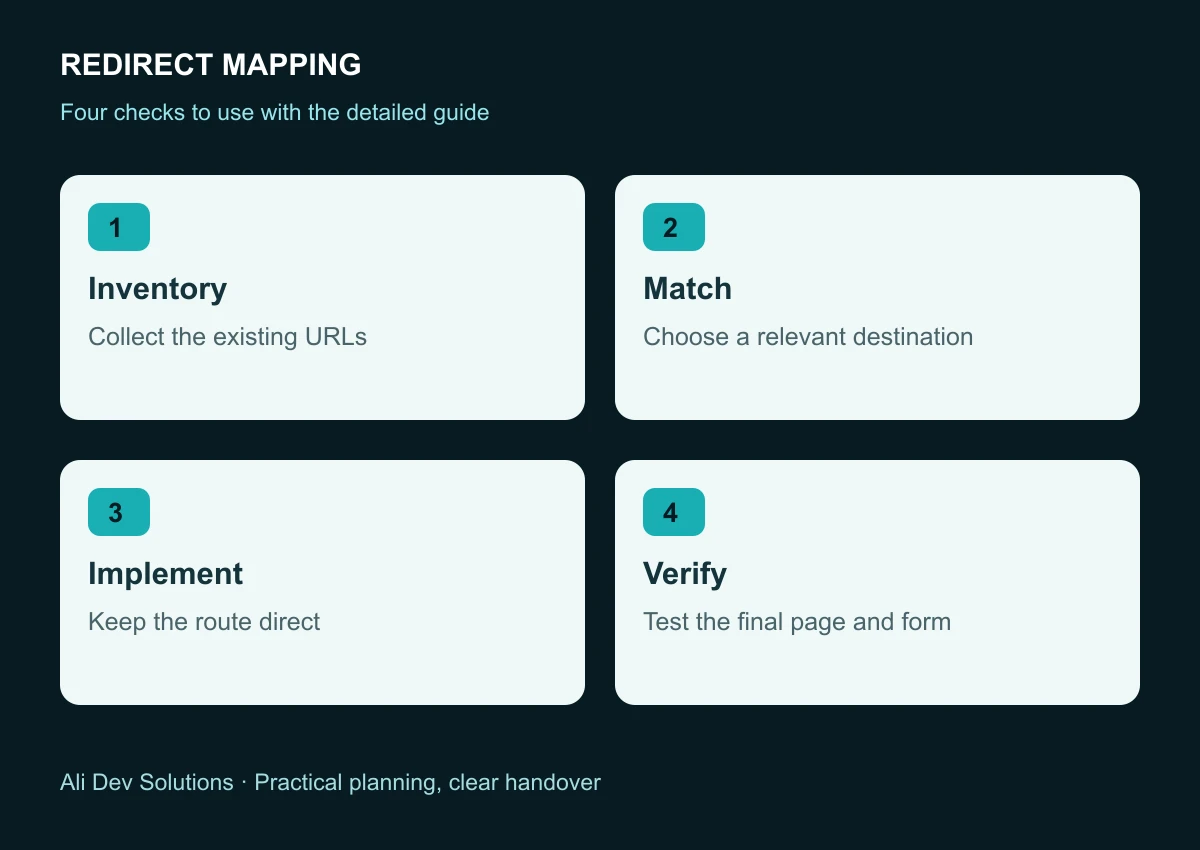
Handle merged and removed pages deliberately
A merger should leave the useful information somewhere visible. Write the replacement page first, then review whether it genuinely absorbs the old page's purpose. A generic category page is not automatically an adequate substitute for a detailed tutorial.
For content without a relevant successor, a proper missing-resource response may be appropriate. Review the choice with the site's maintainer rather than redirecting every removed address to the homepage. Homepage redirects can confuse readers and make migration problems harder to detect.
Keep a separate record of retired pages and the reason each was removed. That record helps when someone later asks why a brochure, campaign or outdated service disappeared.
Avoid chains, loops and conflicting rules
An old address should ideally reach its final replacement directly. A route from an old blog address to an intermediate address and then to the final article adds unnecessary complexity.
Existing rules matter. A CMS redirect tool, hosting rule and custom application route may all try to process the same request. Ask the implementer to identify which layer owns the mapping, and remove conflicts through the normal change process.
Test both individual examples and any pattern-based rules. A rule that works for a standard article can still mishandle a file download or a path with a similar prefix. Do not deploy a broad rule solely because its first test passed.
Test the result beyond the status code
For each important row, open the old address, inspect its response and follow the redirect. Check the final status, page heading, canonical address and visible content. Confirm that the visitor did not land on an empty template that happens to return a successful response.
Test forms and booking links on the destination page as well. A technically correct redirect does not preserve the enquiry journey if the replacement form sends messages to an abandoned mailbox.
Update your own internal links to point directly to the new address. The redirect should support old references; it should not become the preferred navigation route for the new website. Our internal linking guide explains how to organise those onward journeys.
Give the launch a clear stop condition
Agree which failures block release. Examples include a priority service page returning an error, a redirect loop, an essential download disappearing, or an enquiry form failing its delivery check.
Record those conditions before launch day, along with who can approve a correction and who can restore the previous release. A traffic-sensitive migration is easier to manage when the team has a written decision process rather than a series of urgent messages.
For the wider ownership discussion, see the website handover checklist. Access to a dashboard is only one part of maintaining a reliable site.
Review the map after launch
Keep the mapping document available after the new site is live. Review genuine missing-page reports and unexpected landing pages against it. Correct a confirmed issue at its source instead of repeatedly adding unrelated destination rules.
Search visibility may fluctuate during a move, and publishing a map does not guarantee unchanged rankings. Compare relevant page groups over sensible reporting periods and annotate the launch date so later analysis has context.
An effective redirect map is complete enough to implement, specific enough to review and simple enough to test. If you need help planning a redesign around your existing content and enquiries, discuss your website project with Ali Dev Solutions.