
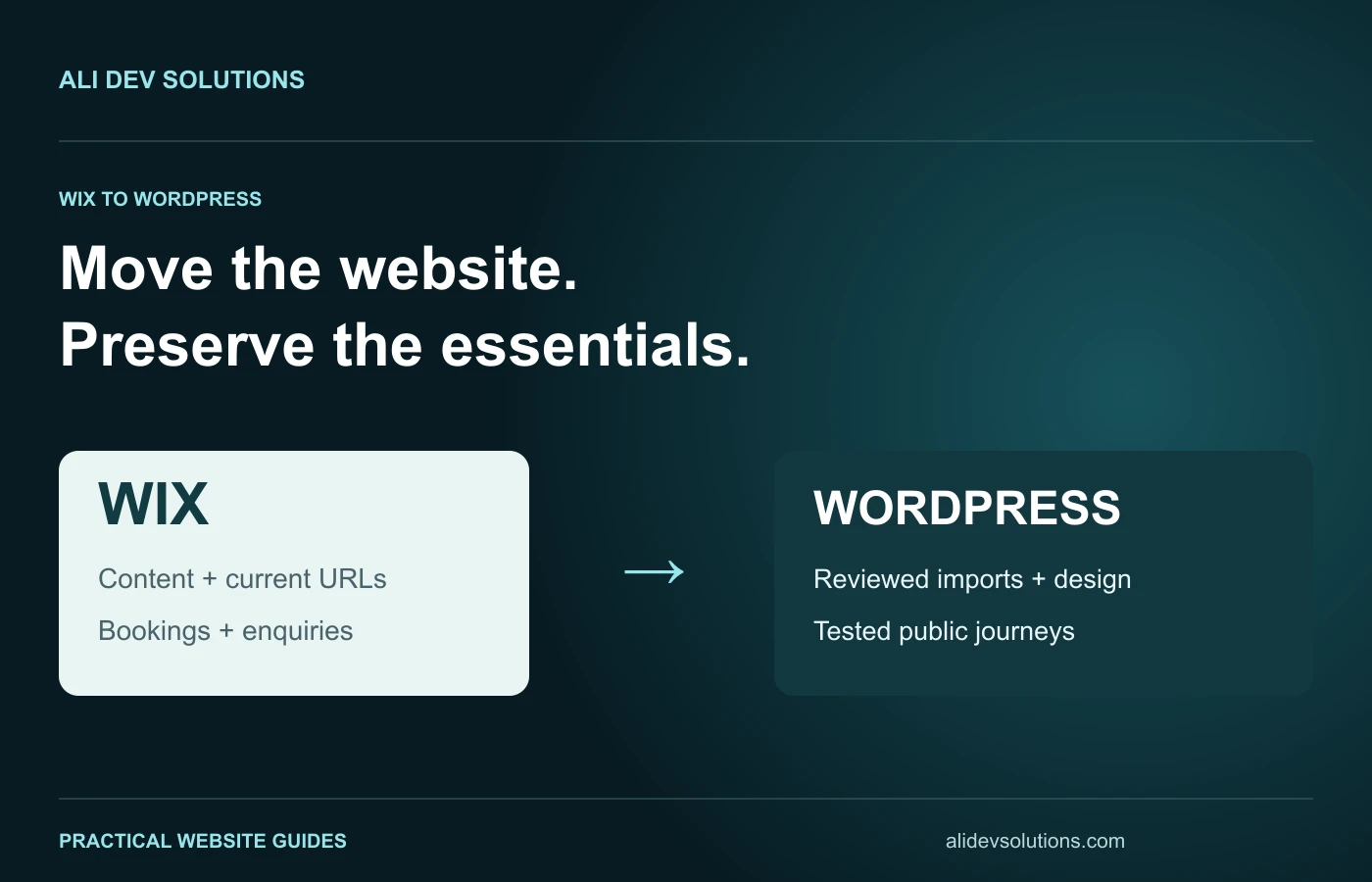
Moving from Wix to WordPress should begin with a clear reason for changing platforms and a plan for the content, addresses and enquiries you already depend on. Rebuilding the visible homepage is only part of the work. Blog archives, booking arrangements, media, forms and search landing pages also need deliberate decisions.
This Wix-to-WordPress SEO migration checklist is for a business owner planning the move with a developer. It separates platform-specific preparation from the broader website redesign migration workflow. It does not assume that a different CMS automatically improves rankings.
Confirm that migration solves a real problem
Write down what the present website cannot do satisfactorily. Examples might include an integration requirement, an editing workflow or a content model that no longer fits the business. Separate those requirements from general dissatisfaction with the design.
Some problems can be addressed inside the current platform. If the main issue is unclear service copy or an outdated gallery, changing the CMS without fixing the content can reproduce the same weakness at greater cost.
Compare the ongoing responsibilities too. A WordPress build needs an agreed approach to hosting, updates, backups, security and support. Our Wix Studio versus WordPress comparison and CMS hosting comparison provide a useful starting point for that discussion.
Separate WordPress.com from other WordPress setups
“Move to WordPress” can mean different delivery arrangements. WordPress.com provides a hosted service with its own import workflow. A WordPress installation on another hosting provider may use a different combination of tools and manual work.
WordPress.com's Wix import guide describes importing certain content and then reviewing the result. It also explains that a chosen WordPress theme does not reproduce the original Wix design exactly. Do not assume that instructions for one hosted service apply unchanged to every installation.
Ask your developer which environment is being proposed, which content types the selected import method supports and which parts must be rebuilt. Put those answers in the scope before estimating the launch date.
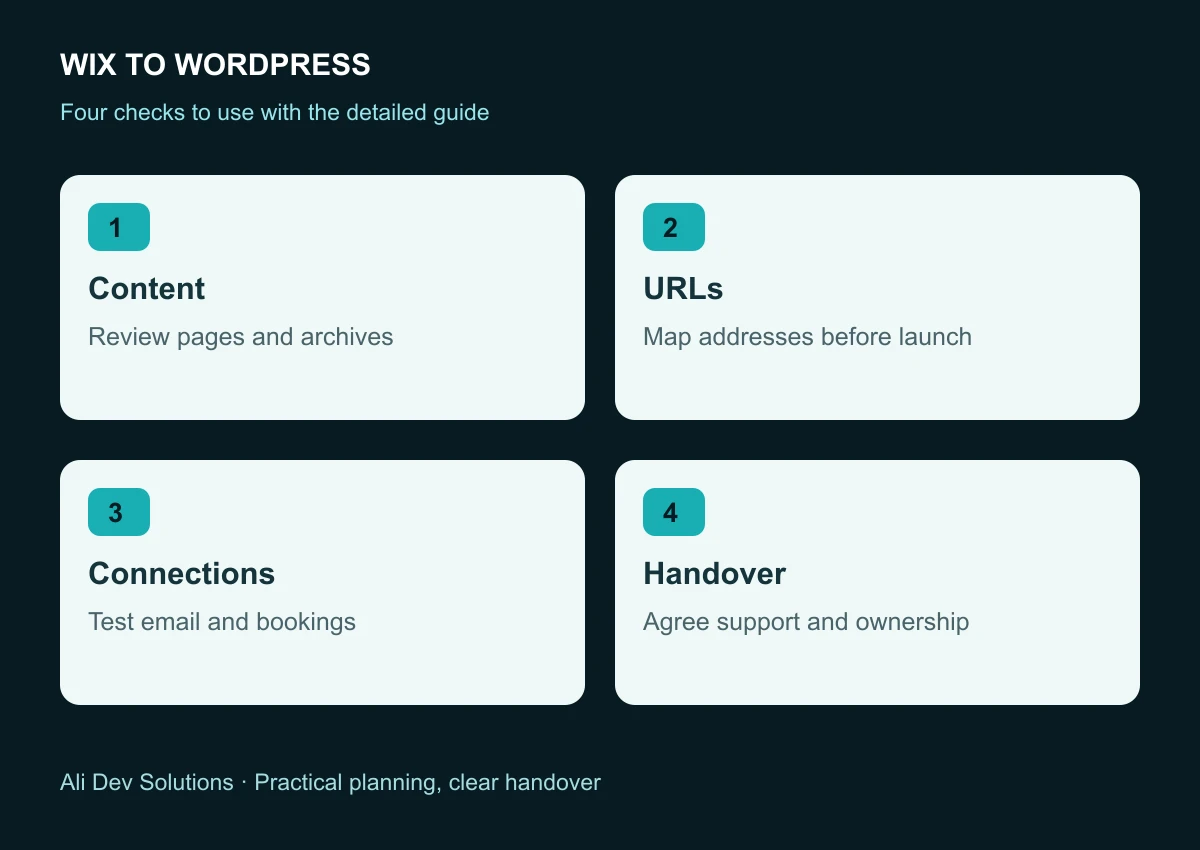
Inventory Wix pages and connected services
List static pages, blog posts, categories, products, dynamic collections and downloadable files. Record the purpose and current address of each important item. Include pages accessed from search or external links even if they no longer appear in your menu.
Then list the connected services: forms, mailing lists, booking tools, payment arrangements, automations and analytics. For each one, record whether it stays with its existing provider, is replaced or requires data migration.
Keep credentials and personal customer information out of a general project spreadsheet. Share necessary access through an appropriate private process. The public content inventory and an operational access handover are different documents with different audiences.
Test imports with representative content
Choose a small sample that includes a simple service page, a long article, a gallery and any more complex content type. Compare text, headings, images, links and formatting after import.
Do not judge the method only by the number of records it creates. An imported article with broken image references or a booking link pointing to the wrong service still needs repair. Check the content as a reader, not just as an administrator looking at a list of pages.
Blog transfer deserves particular attention. The WordPress.com guide describes limitations and an RSS-based alternative for recent posts. Verify the available method against the size and age of your actual archive. Do not assume that a recent-post feed represents every article you own.
Map existing addresses before changing navigation
Preserve suitable URLs when practical. If an address changes, record its relevant replacement and the required redirect. Avoid using the homepage as a universal destination for old blog posts and individual services.
For example, a fictional /post/preparing-for-a-newborn-session article should lead to the corresponding preparation guide, not merely to a new gallery homepage. The visitor's original question still matters after the redesign.
Use our redirect mapping template to document those choices. Review the map with the person implementing the launch so the old Wix address, final WordPress address and test result are not spread across separate conversations.
Know which system handles redirects after cutover
A redirect configured inside the old platform is not automatically a rule on the new server. Identify where requests for the live domain will be handled after the website points to the new environment.
The implementation owner should verify the redirect at that destination. Google's site-move guidance supports deliberate old-to-new mappings and permanent redirects for permanent URL changes. Keep the technical implementation tied to that reviewed plan.
Domain registration, DNS and web hosting are related but separate responsibilities. A business may change its website host without transferring the registration. Document the intended arrangement rather than treating every migration as the same set of account changes.
Protect email and enquiry delivery
Before changing DNS, record the existing email-related configuration and identify who manages the mailbox. A web migration should not accidentally remove the records needed by an established email service.
Test each new form from submission through delivery. Confirm the recipient address, success message, storage behaviour and any CRM or booking handoff. A form that displays “thank you” is not proof that the enquiry reached the right person.
Use clearly labelled test messages and remove disposable test records through the normal process. Our contact form email delivery guide covers the operational checks in more detail.
Rebuild the page's search promise accurately
Carry across useful page titles and descriptions, then review them against the final content. A redesigned page may require a clearer title, but replacing specific wording with a generic slogan can make its purpose harder to understand.
Check the main heading, canonical address and internal links on important landing pages. Confirm the intended public pages are accessible after launch, and that staging restrictions have not been copied into the live environment accidentally.
Retain useful authorship and publication context on migrated articles. Do not present a long-existing article as newly written simply because its CMS changed. Make substantial updates visible and truthful.
Plan cutover and recovery before launch day
Agree who can change the live configuration, who verifies the result and what triggers a rollback. Keep a usable recovery copy of the previous site and the information needed to restore its intended routing.
Schedule the migration when the team can monitor enquiries and address failures. A convenient development deadline is not automatically a suitable business launch window.
After cutover, test priority addresses, forms, booking paths and assets from the public domain. Review the sitemap and monitor relevant Search Console pages over time. Some search fluctuations can occur during a move; no migration checklist can promise an exact recovery date or unchanged rankings.
Hand over a website you can operate
Ask for an editing walkthrough covering the tasks your business performs most often: publishing an article, replacing a gallery image, updating a service and reviewing an enquiry. Confirm the maintenance and backup arrangements in writing.
A successful move gives you a manageable website with clear ownership, preserved visitor journeys and a documented launch. If you need help deciding whether to migrate or improving the site you already have, talk to Ali Dev Solutions about your requirements.